SXA(Sitecore Experience Accelerator) is a reality, and it’s here to help us all.
But, Like any other tool, there are a plenty of things that we must learn and a lot of unexpected situations that we may face.
One of that is “Image Bleed”, Or “Component Bleed” Issue? What does that mean?
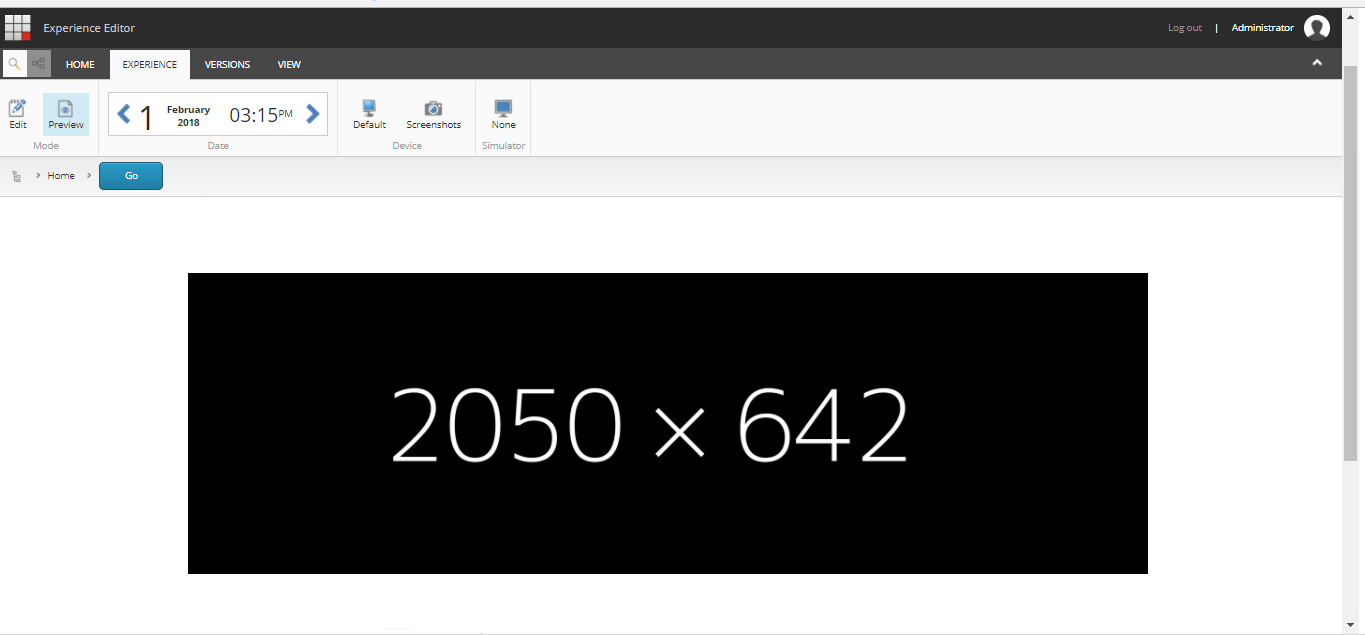
SXA comes with pre-defined grids and container classes, and if you add an Image, you might get this.
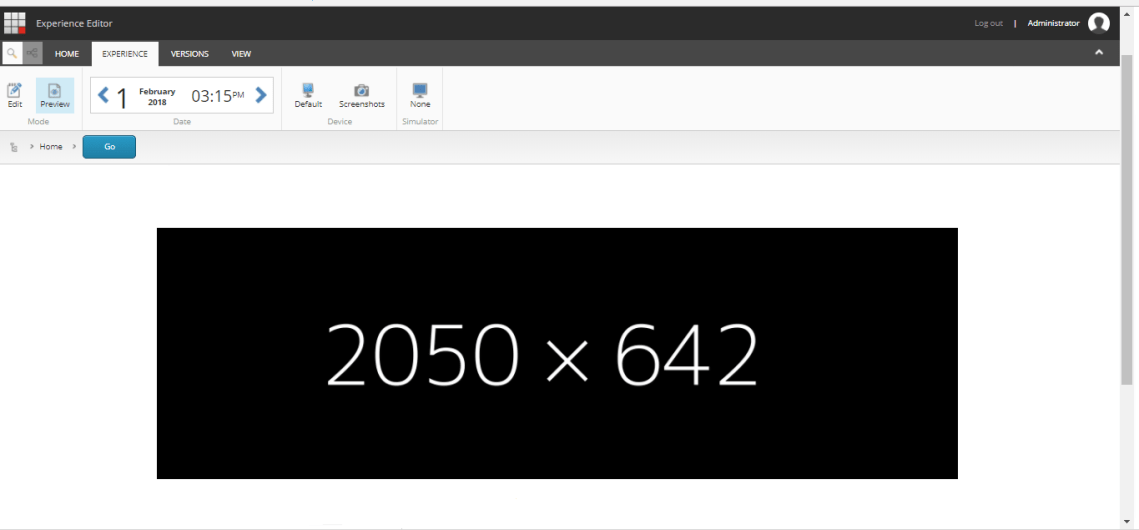
But sometimes, your client needs something different, you can notice that there is a free empty space, you might to take all the width available.
In order to make you, Let’s make some changes to the Site Theme
Step 1) Go to the following path:
/sitecore/media library/Themes/Tenant/Site/Site Theme
Step 2) The Carousel was added to the main placeholder, so Let’s change the placeholder to “Flex” and this will give us the desired effect 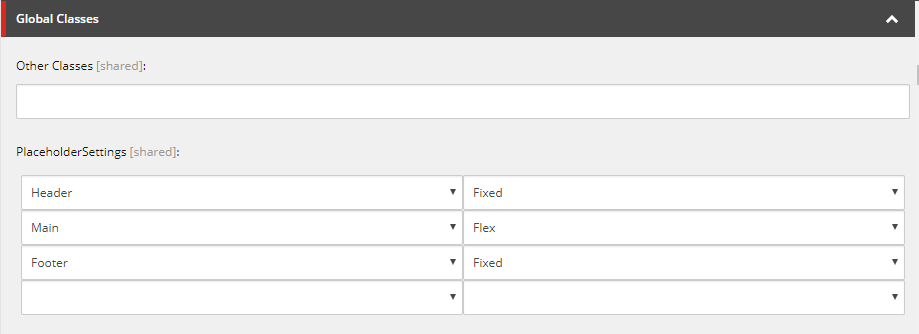
3)Now Save this change and open the Preview 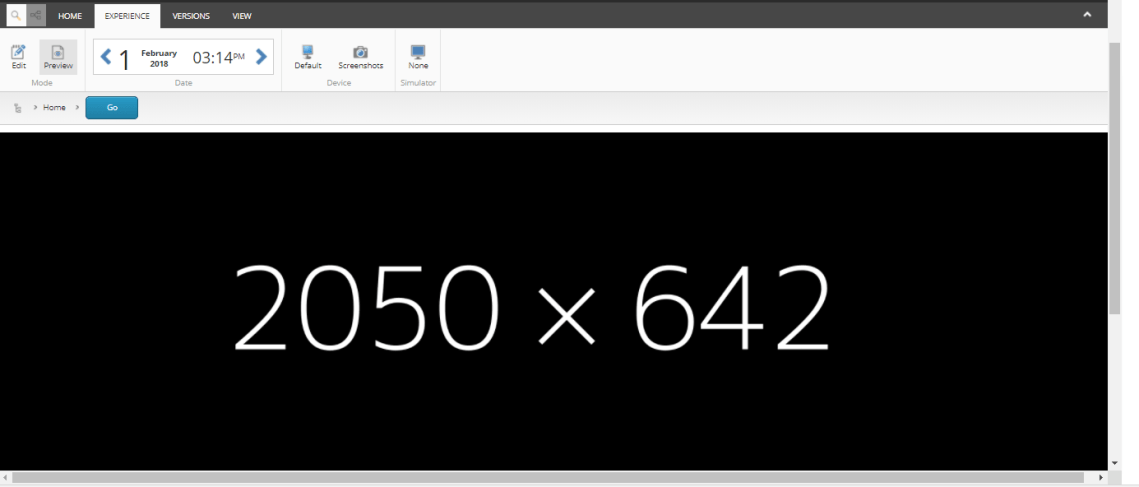
That’s right, you got what you need, but first, Let’s try to identify which class has changed
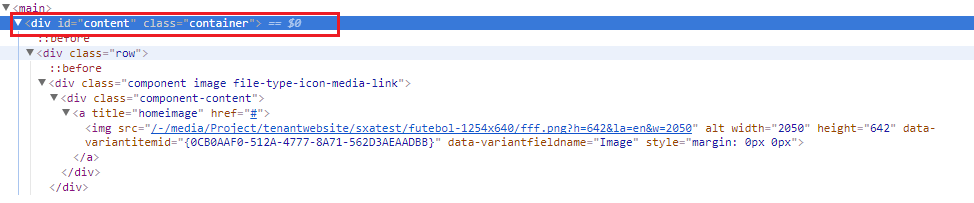
Before:
After:
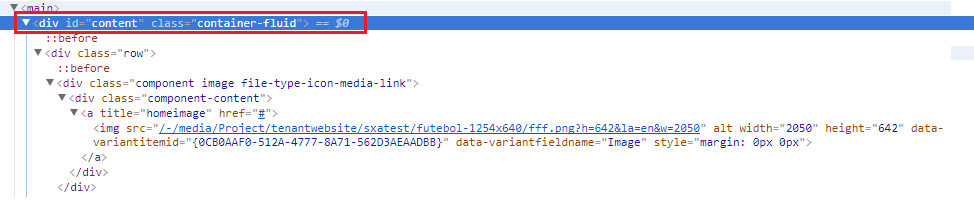
As we can see, SXA changed the class from “container” to “container-fluid”

 Sitecore Tips
You must be logged in to post a comment.