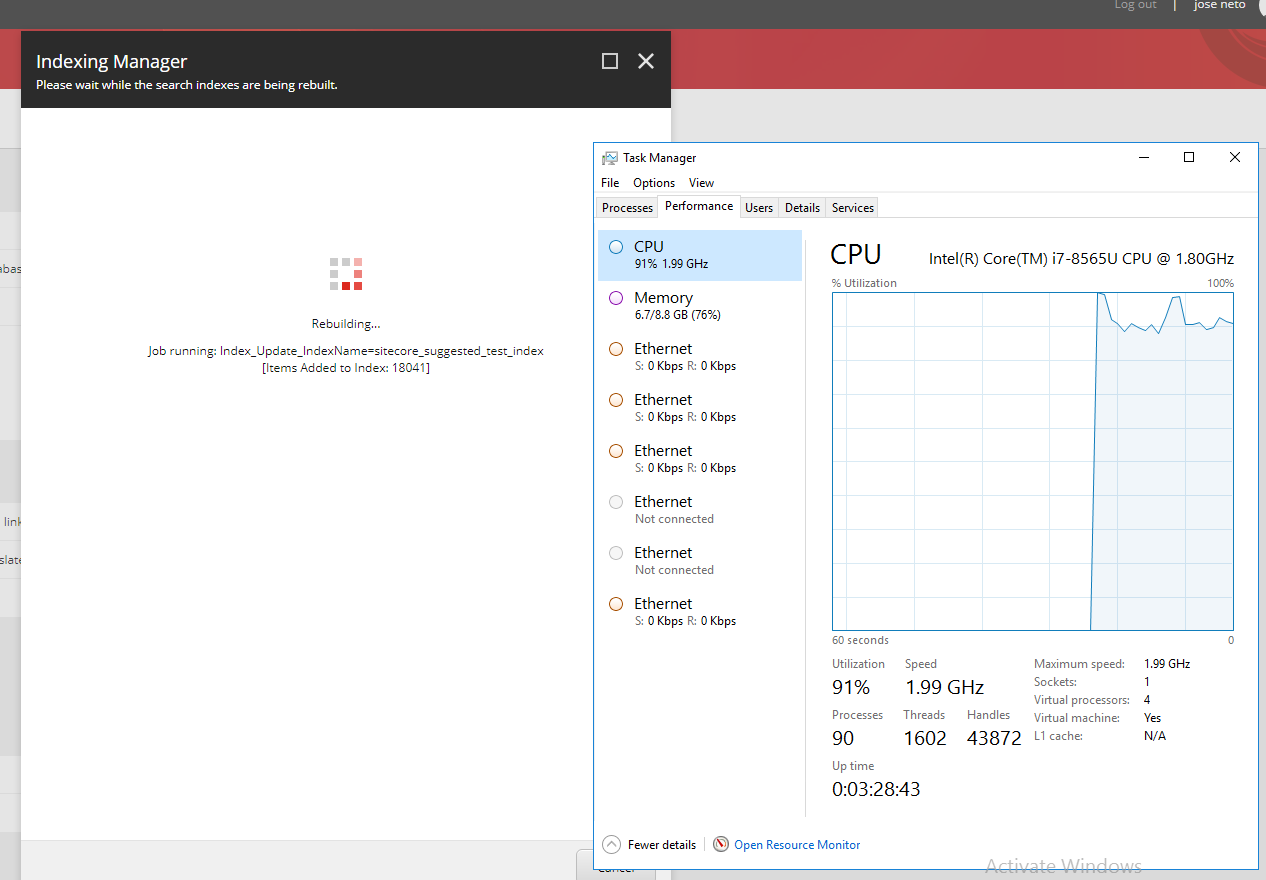
By default “sitecore_suggested_test_index” to be run every hour , however there are some inconvenient with that
As we can see, when we manually trigger a re-index, we see a peek of CPU usage, and since this job by default its configured to run every 1 hour, It will eventually lead to increased resource consumption.
We need to consider that indexing too frequently and hinders overall Solr indexing performance and can be bad for your production website.
So, do we really need a peak of CPU usage every 1 hour ? Probably not .
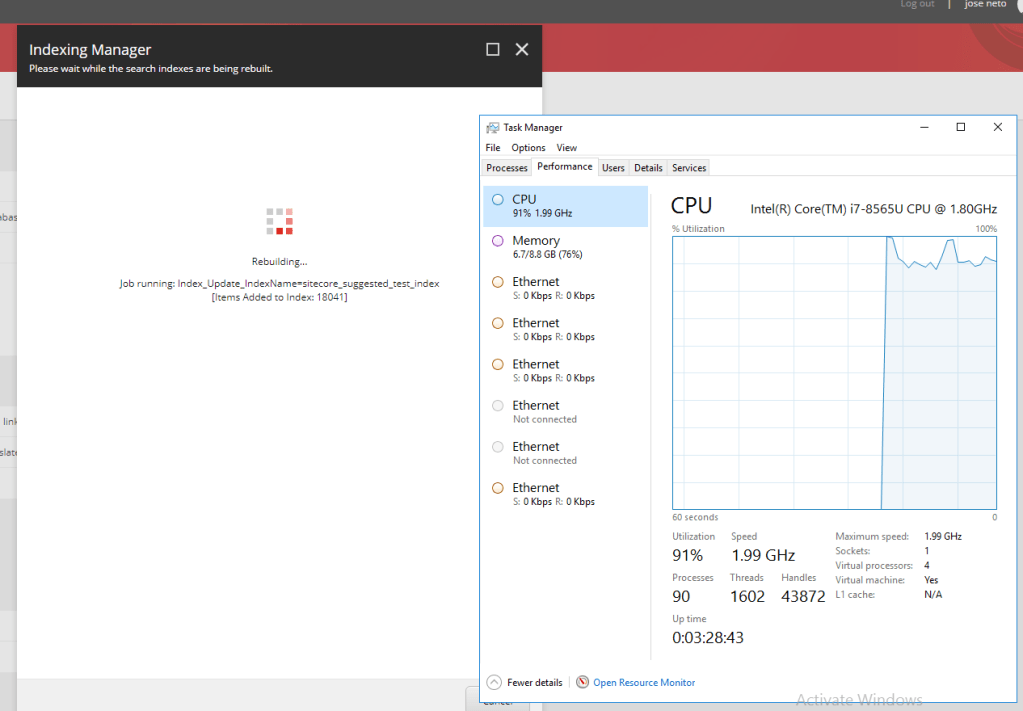
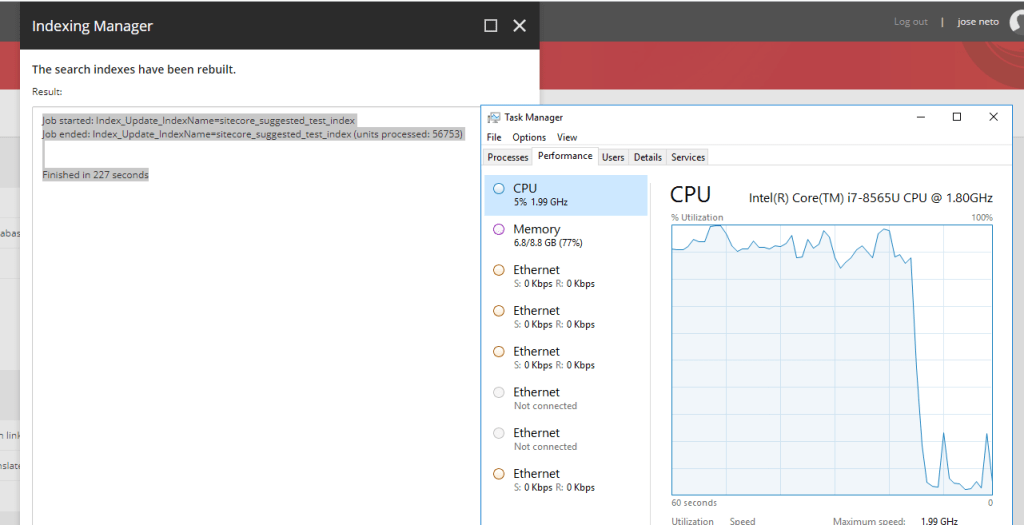
Below, we can see the usage of CPU before and after a manual re-index
after the task is finished we, can see a normal drop of CPU usage
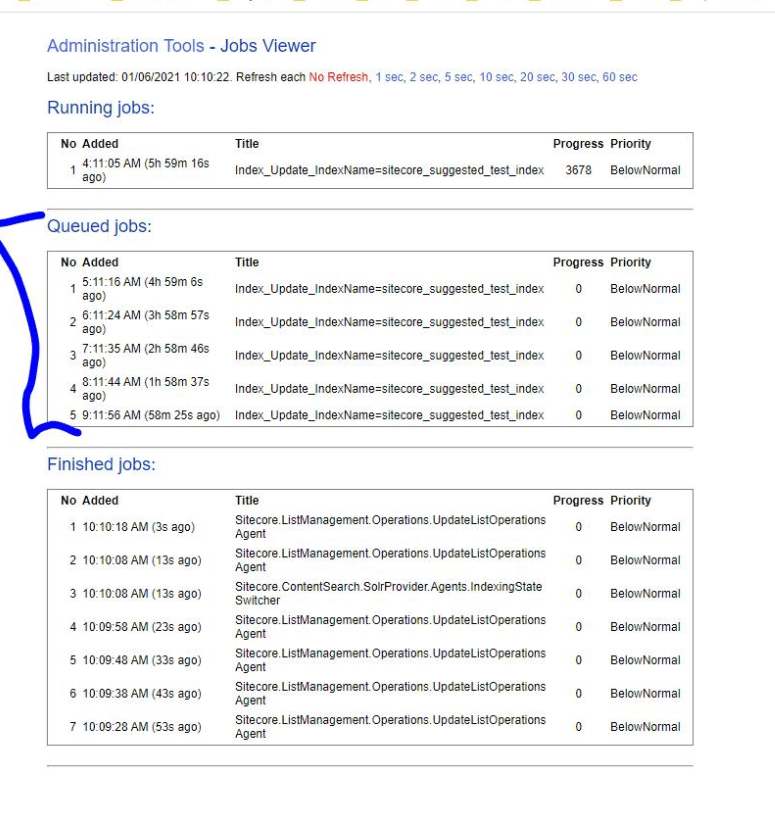
Sitecore provides a tool to see which jobs are running , or are in the Queue. “/sitecore/admin/jobs.aspx”
Below, we can see a production environment, with a list Queue jobs that are running and taking a lot of TIME and CPU usage to execute the reindex of “sitecore_suggtested_test_index”.
In order to reduce this time go to the Task, and find the Job that is triggered constantly, which in this case it’s the “Rebuild Suggested Tests Index”.
Path :
“/sitecore/system/Tasks/Schedules/Content Testing/Rebuild Suggested Tests Index”
and change the “Schedule” field with a desired time, that you consider the necessity of updating this index

 Sitecore Tips
You must be logged in to post a comment.