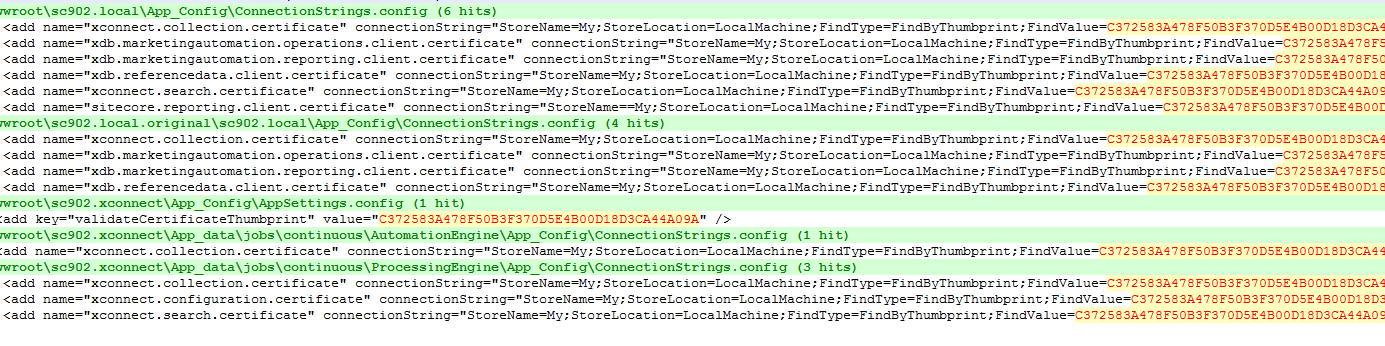
Hi, During an Upgrade from Sitecore 9 to Sitecore 10, I had some issues regarding the Marketing Automation Service, the service was unable to Start.
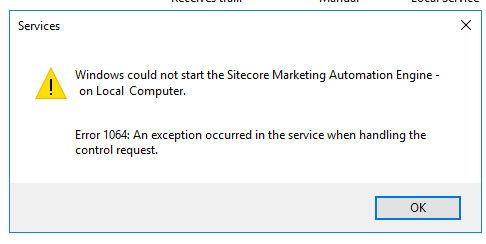
In the first verification I checked the xConnect certificates both were Expired, so the first thing to do is to renew the certificate using power shell
1)RENEWING THE XCONNECT CERTIFICATE
1.1)Create a Folder C:\Certificates
1.2)Open Powershell
1.3)Create the Certificate for IIS “sc.xconnect” and one for the thumprint “sc.xconnect_client”
New-SelfSignedCertificate -CertStoreLocation Cert:\LocalMachine\My -DnsName “sc.xconnect” -FriendlyName “sc.xconnect” -NotAfter $([datetime]::now.AddYears(5))
New-SelfSignedCertificate -CertStoreLocation Cert:\LocalMachine\My -DnsName “sc.xconnect_client” -FriendlyName “sc.xconnect_client” -NotAfter $([datetime]::now.AddYears(5))


This command will automatically generate the certificates into your
“Intermediate Certification Authorities”
1.3) Export the Certificates with the follow command line
Export-Certificate -Cert cert:\localMachine\my\5FB03C1273D2F9B6D8F3E472BCB2C254B0E8AC2B -FilePath C:\certificates\sc.xconnect.cer
Export-Certificate -Cert cert:\localMachine\my\C372583A478F50B3F370D5E4B00D18D3CA44A09A-FilePath C:\certificates\sc.xconnect.cer
1.3.1)Replace the connection strings with the new ThumbPrint from “x_connect_client” , ex “C372583A478F50B3F370D5E4B00D18D3CA44A09A“
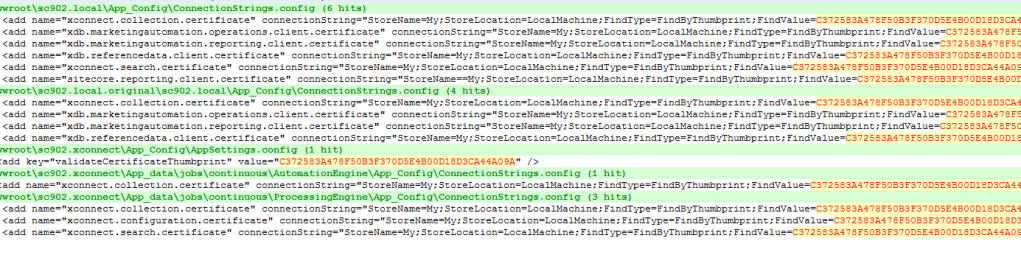
Using notepad++, locate all the thumbprint and replace
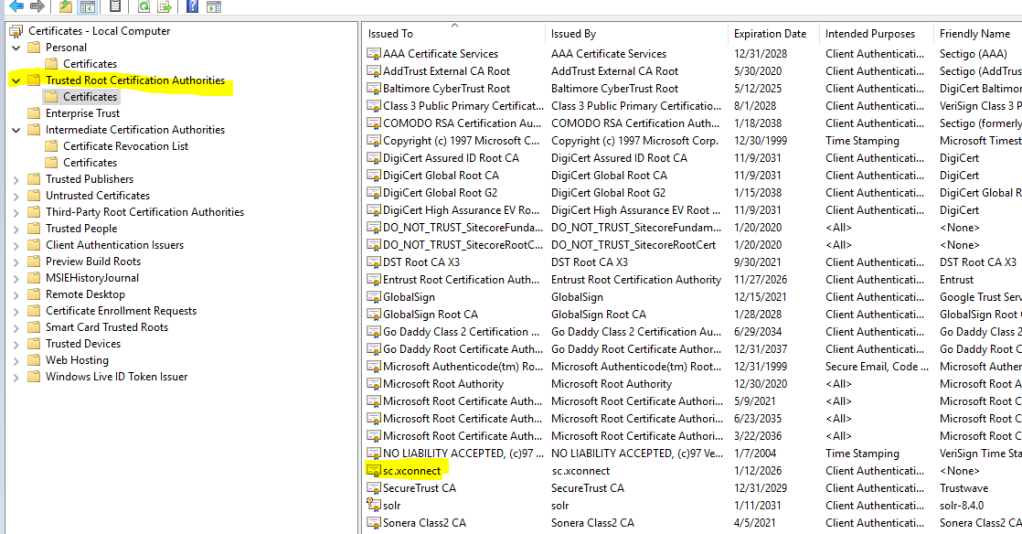
1.4) Open “Computer Management Certificates”

Open “Intermediate Certification Authorities”
Move the Certificates from “Intermediate Certification Authorities” to “trusted root certificate Authorization “
1.5) Give the necessary Permissions to the Certificate
Select the new Certificate and go to “Manage Private Keys”
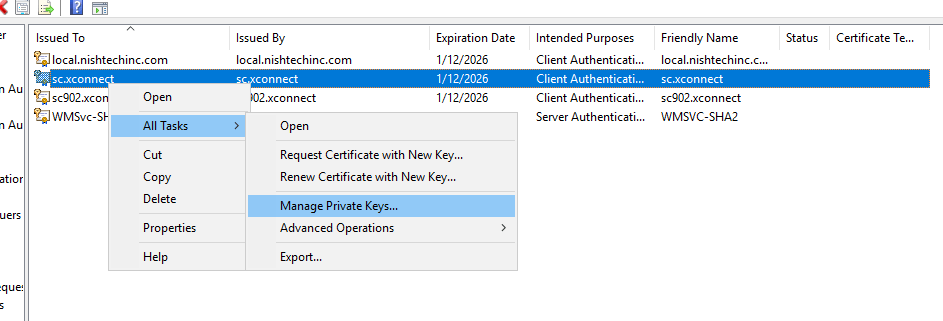
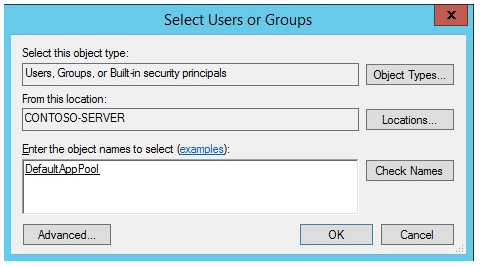
Add some permissions “IIS AppPool\DefaultAppPool” ,, IUSR, IIS_IUSRS , NETWORK_SERVICE ,
for the x_connect_client, add only “SERVICE“
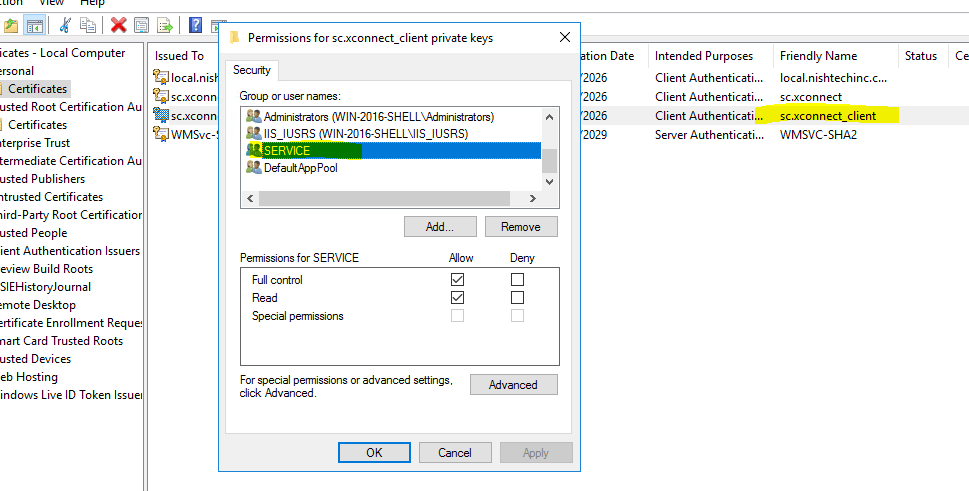
This permission is important , those permission are related to your pool
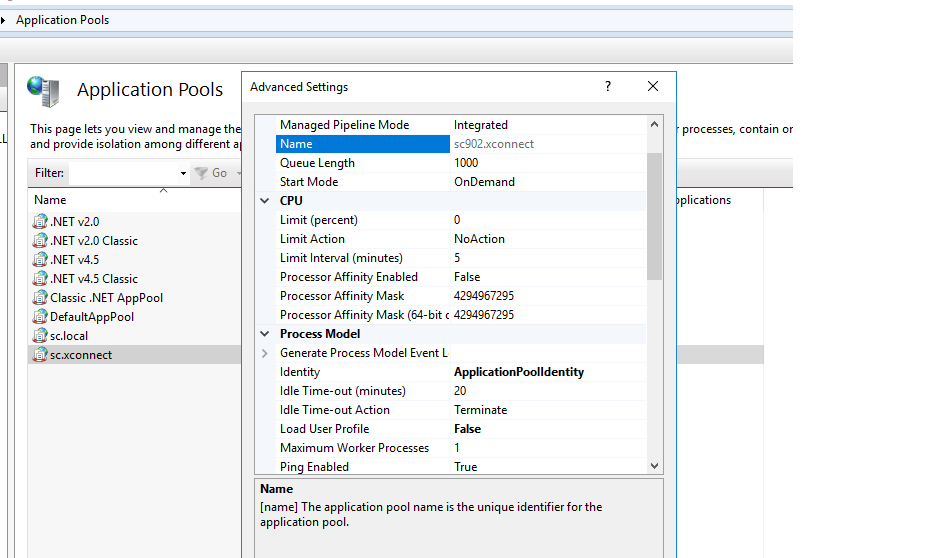
1.6) Change on IIS
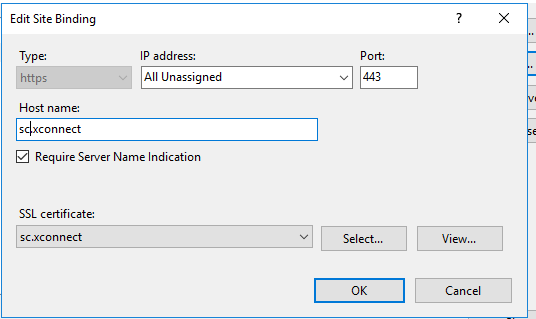

1.6)RESTART THE POOL and the website
1.7)Start the service
Check if the service started correclty

and Double check the log
C:\inetpub\wwwroot\sc.xconnect\App_data\jobs\continuous\AutomationEngine\App_Data\Logs
This should solve the issue
If the Certificate is not working or not showing in IIS, check this blog post
ADDITIONAL INFO: ISSUES Found the log
First Issue found on the log was :
This issue is due to the invalid certificate
Sitecore.XConnect.XdbCollectionUnavailableException: An error occurred while sending the request. —> System.InvalidOperationException: The certificate was not found. Store: My, Location: LocalMachine, FindType: FindByThumbprint, FindValue: B3153C873EA84A6E53BF9DC475226DD0873606F6, InvalidAllowed: False.
This issue is due to the permissions missing on the current or new certificate
Error initializing XConnect client.
System.AggregateException: One or more errors occurred. —> Sitecore.XConnect.XdbCollectionUnavailableException: An error occurred while sending the request. —> System.Net.Http.HttpRequestException: An error occurred while sending the request. —> System.Net.WebException: The underlying connection was closed: Could not establish trust relationship for the SSL/TLS secure channel. —> System.Security.Authentication.AuthenticationException: The remote certificate is invalid according to the validation procedure.
0 [Error] Failed to start the Marketing Automation Engine service.
Sitecore.Nexus.Licensing.LicenseException: Required license is missing: Sitecore.xDB.Base
at .( , String )
at Sitecore.XConnect.Configuration.Extensions.InitializeLicenseCheck(IServiceCollection collection, String licenseFileOrXml)
at Sitecore.XConnect.Configuration.Extensions.UseXConnectServiceInitializationConfiguration(IServiceCollection collection, IConfiguration configuration, String[] configurationSectionNames, String initializationSectionName, Boolean validateConfiguration)

 Sitecore Tips
You must be logged in to post a comment.