
After installing Sitecore Content Hub Connector, and clicking “Browse Sitecore DAM”
the pop-up shows, but fails to connect to Sitecore Content hub, and it shows a grey pop-up
and by inspecting it shows some security errors
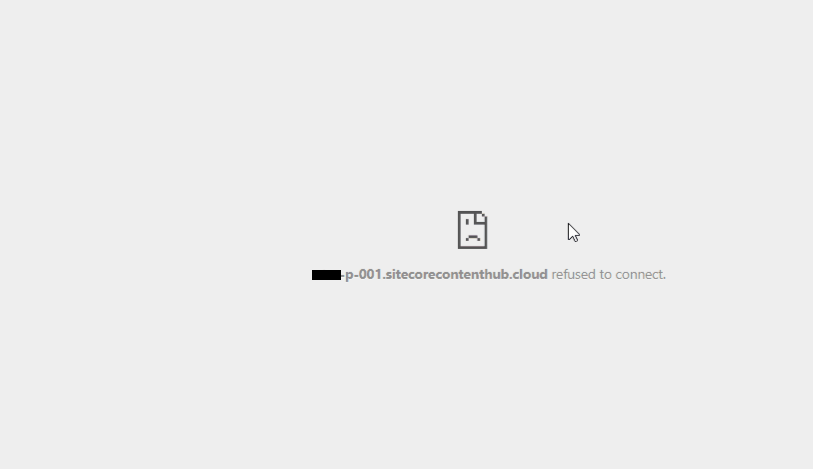

This issue was often caused by missing configuration in Sitecore Content Hub
On the Sitecore DAM main menu, click Manage.
Click Settings.
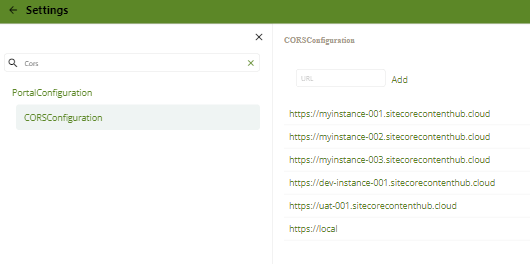
On the Settings page, click PortalConfiguration, then click CORSConfiguration.
Click Add, and add the URL for your Sitecore instance, for example,

 Sitecore Tips
You must be logged in to post a comment.