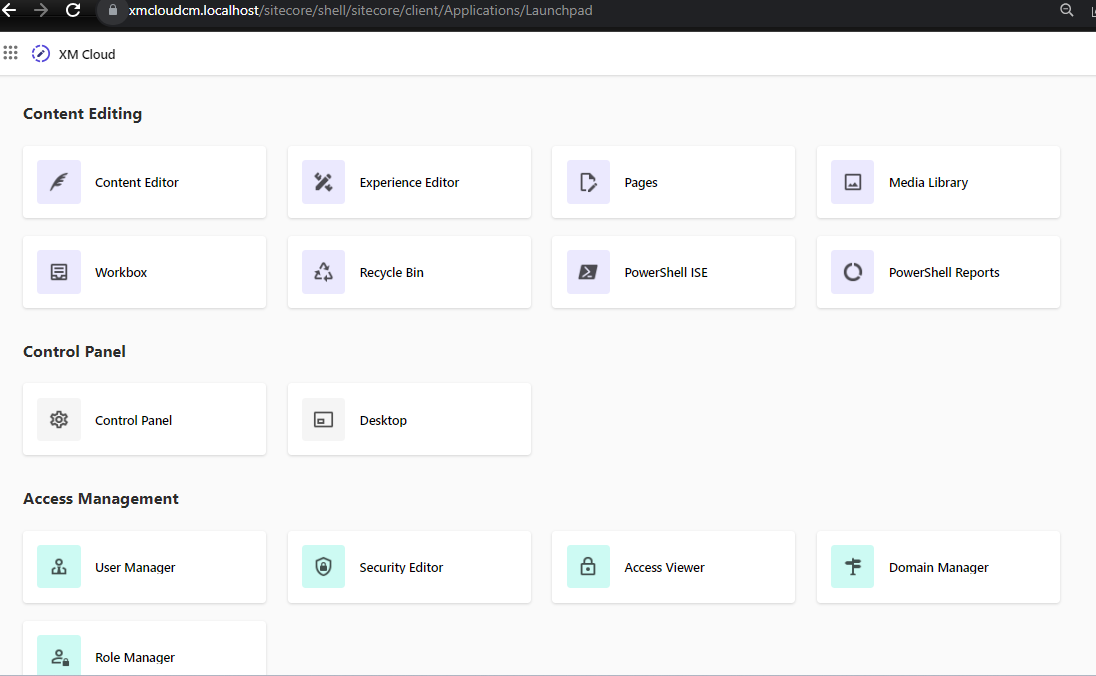
In the exciting Sitecore Hackathon of 2023, our team made a bold decision to participate in the XM Cloud category. This category involves working with a relatively new feature set, which might pique your curiosity. You might be wondering, “How can I explore this latest version of Sitecore, and is it even possible to run it locally?” Well, the good news is that you can indeed experience the XM Cloud version on your own machine by leveraging Docker.
Docker provides a convenient and isolated environment to run applications, making it perfect for testing and development purposes. Here’s a step-by-step guide on how to set up and run Sitecore XM Cloud locally using Docker:
Step 1
Install Docker: If you haven’t already, start by installing Docker on your machine. Docker is available for various operating systems, including Windows, macOS, and Linux.
Step 2
Clone our Hackathon repository : rep https://github.com/Sitecore-Hackathon/2023-Go-Horse and unzip the files
Take a look on the README, if you are interest in our module, if not, just follow the setup to Explore the Sitecore XM Cloud
Step 3 Open Powershell
Run ./Init1.ps1, this will generate the .env , Open this file on Notepad , change line 73, for the path where your license lives, Ex : HOST_LICENSE_FOLDER=C:\License
Start Docker Containers: Using the Docker Compose file, execute the command to start the Docker containers. This will set up the XM Cloud environment on your local machine.
Step 4) Create an account
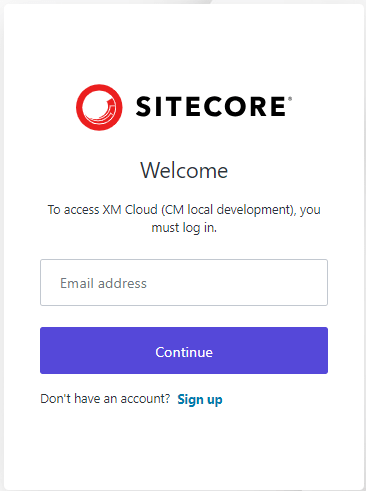
Open your Sitecore Instance (https://xmcloudcm.localhost/sitecore/login)
You can use any account with an valid EMAIL , yes you will receive an e-mail to confirm the account as well, and you will use this account to authenticate locally on your Sitecore XM (simulating a cloud.

Create an account
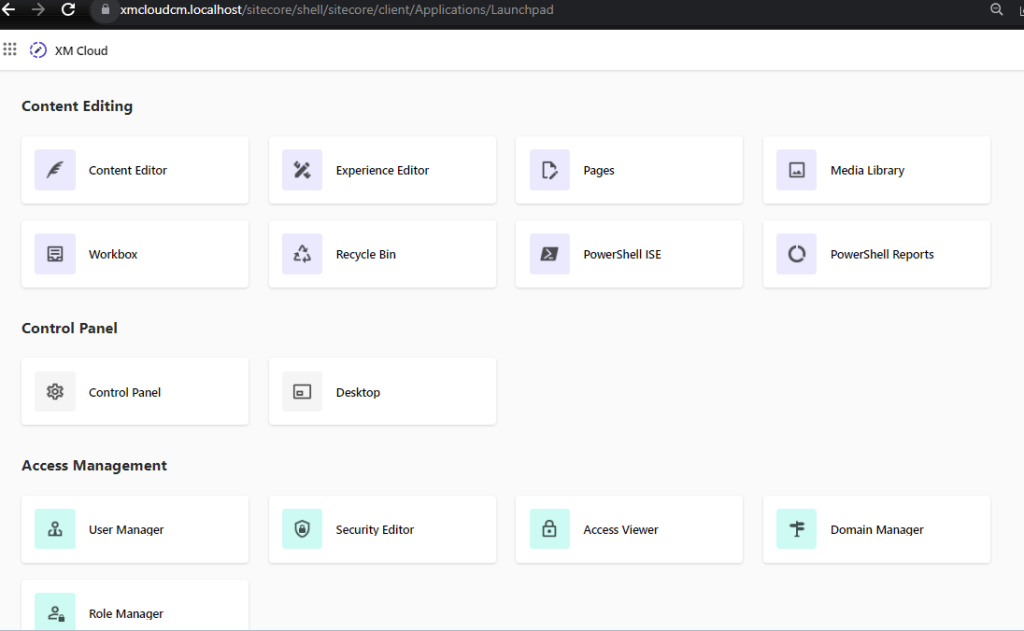
after authenticating, take your time to Explore !!
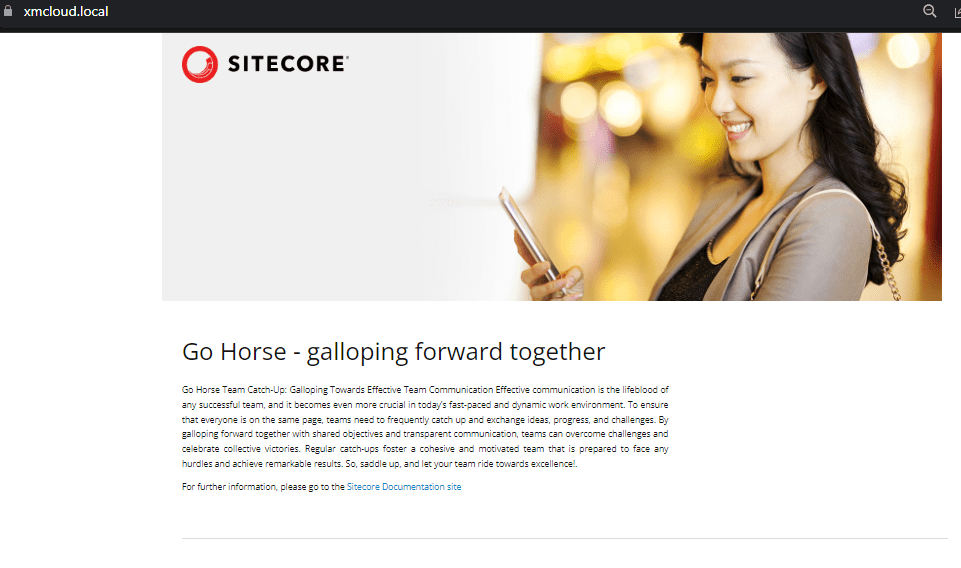
Also, in order to see your Sitecore website : open https://xmcloud.local
Remember, running Sitecore XM Cloud locally on Docker allows you to experiment, develop, and troubleshoot with ease, offering a fantastic opportunity to prepare for the Hackathon challenges effectively.
Best of luck in your Sitecore Hackathon endeavors! May your team achieve great success and produce remarkable results in the XM Cloud category. Happy hacking!
Errors :
- Right click on all .ps1 Files and click Unblock”
File C:\projects\2023-Go-Horse-main.config\dotnet-tools.json came from another computer and might be blocked to help protect this computer. For more information, including how to unblock, see https://aka.ms/motw

 Sitecore Tips
You must be logged in to post a comment.